
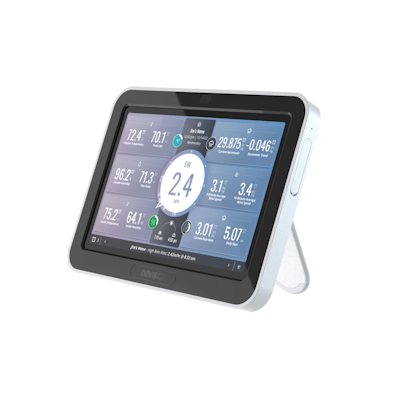
If you’re setting up a new console or have just performed a factory reset, this guide will help you avoid the most common setup confusion we’re seeing with firmware 1.4.
We have had a couple of questions about the Weatherlink Console (6313) factory reset process. Firmware 1.4 appears to be a big and significant release, and if you are installing from scratch, or a reset, is can look like it is not working properly.
Once you set your language, you get to the WiFi screen and at this point your should connect to your 2.4GHz network. It then starts the firmware upgrade process - note that they advise allowing 10-30 minutes. If you watch the process or try to interact with it, it looks like it sticks/hangs and it may appear to randomly restart, however if you leave it alone, it just continues happily, if mysteriously, configuring itself.
Do Not Interrupt the Process
Even if the screen appears frozen or the console restarts, do not unplug or reset the device. Interrupting the update can cause setup to fail and require restarting from scratch.
It also does a second reset, presumably with the 1.4 upgrade, so you may need to enter your language and WiFi password twice. So don't be surprised if your setup looks like it has strange behaviour, as this appears to be normal at the moment until Davis ship with 1.4.
Once you get the "Welcome to version 1.4" message, it should be stable from there, and you can safely link to your sensors, an set your rain measurement to metric as normal.
If your console has not reached the “Welcome to version 1.4” screen after 30 minutes, try restarting the setup process or contact us for help support.